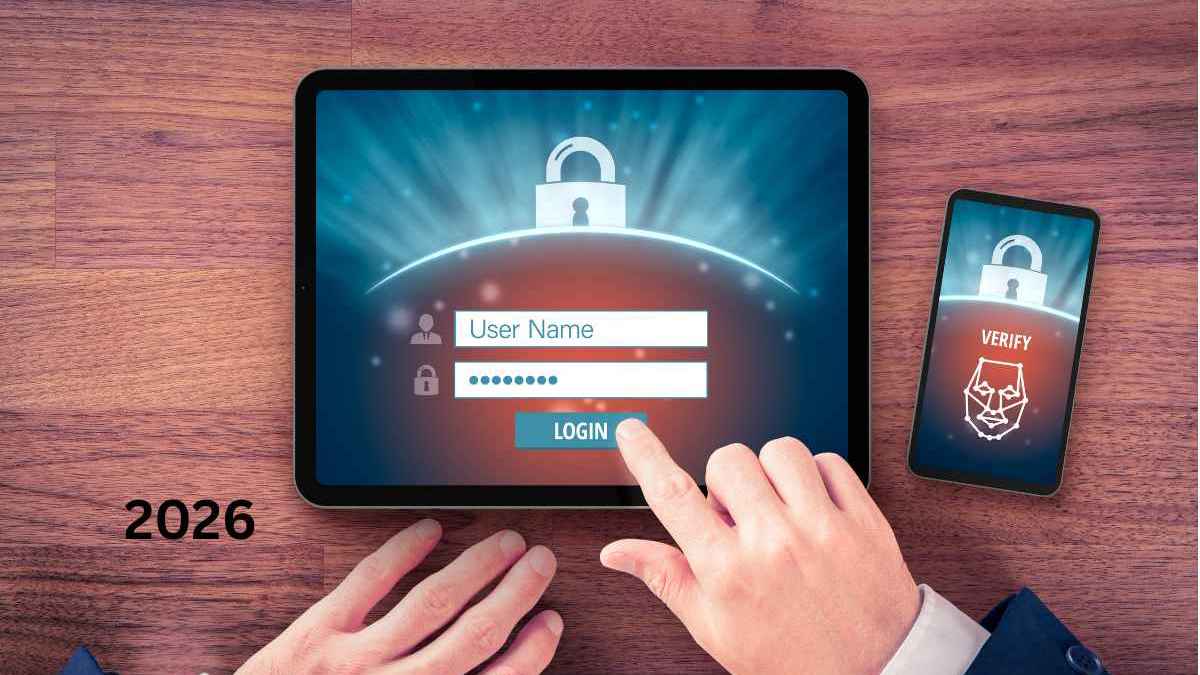
A strong password is useful, but it is still a single credential. If that password is phished, reused on another compromised website, captured by malware, or exposed through a weak recovery process, an attacker may be able to sign in. Multi-factor authentication adds another layer by requiring more than one type of proof.
MFA is one of the most important baseline controls for business email, cloud platforms, administrator accounts, finance systems, and other high-value services. However, the details matter because different MFA methods resist different kinds of attacks.
What is multi-factor authentication?
Multi-factor authentication, commonly shortened to MFA, requires a user to present two or more different authentication factors before access is granted. The factors usually come from categories such as:
- Something you know: a password or PIN.
- Something you have: a phone, authenticator, smart card, passkey, or security key.
- Something you are: a biometric characteristic used locally by a device.
Two steps are not necessarily two factors. Asking for a password and then a second password still relies on the same “something you know” category.
MFA vs 2FA
Two-factor authentication, or 2FA, is a form of MFA that uses exactly two factors. MFA is the broader term and can involve two or more factors. In everyday product interfaces, the terms are often used interchangeably.
Common MFA methods
SMS codes
The service sends a one-time code to the user’s phone number. SMS MFA is widely available and usually better than password-only access, but it can be vulnerable to SIM-swap fraud, number reassignment, social engineering, and phishing that captures the code in real time.
Email codes
A code is sent to another email account. This method is only as strong as the security of that mailbox. If both accounts rely on weak or related credentials, the additional protection may be limited.
Authenticator apps
Time-based one-time password apps generate rotating codes locally. They avoid many SMS-specific risks, but users can still be tricked into entering a current code into a phishing page.
Push notifications
A user approves a sign-in request on a mobile device. Push MFA can be convenient, but repeated fraudulent prompts may lead to “MFA fatigue,” where a user eventually approves a request they did not initiate. Number matching and clear sign-in details can reduce this risk.
Passkeys and FIDO security keys
Passkeys and FIDO security keys use public-key cryptography and are designed to resist phishing. The credential is associated with the legitimate service, so a fake website cannot simply collect a reusable password or code.
Which MFA method is best?
The answer depends on risk and platform support. For administrator accounts and other high-value identities, phishing-resistant methods such as FIDO security keys or passkeys are strong choices when supported. Authenticator apps are a practical option for many other accounts. SMS can still improve protection when stronger methods are unavailable, but it should not be treated as the strongest possible control.
| Method | Convenience | Phishing resistance | Typical use |
|---|---|---|---|
| SMS code | High | Low | Broad fallback support |
| Authenticator code | Medium | Low to medium | Common business MFA |
| Push approval | High | Medium depending on design | Managed identity platforms |
| Passkey | High | High | Passwordless and strong authentication |
| Hardware security key | Medium | High | Administrators and high-risk users |
Why MFA blocks many account takeovers
An attacker who obtains only a password cannot complete login if the account also requires a second factor. This is especially valuable against credential stuffing, where attackers try passwords leaked from other services.
MFA does not make an account invincible. Attackers can target the second factor, steal an authenticated session, compromise a device, abuse account recovery, or socially engineer support staff. The value of MFA is that it raises the cost and difficulty of unauthorized access.
What is an MFA fatigue attack?
In an MFA fatigue attack, an attacker already has a password and repeatedly sends push notifications hoping the victim will approve one. Organizations can reduce this risk by enabling number matching, displaying sign-in context, limiting repeated prompts, using risk-based controls, and moving high-risk users to phishing-resistant authentication.
Account recovery is part of MFA security
A strong MFA method can be undermined by weak recovery. If an attacker can call support and remove MFA with minimal verification, the stronger sign-in process has been bypassed.
Businesses should define recovery for lost phones, replaced devices, hardware-key loss, and departing employees. Backup codes should be stored securely rather than left in an email inbox or shared document.
Where businesses should enable MFA first
- Email and collaboration platforms.
- Central identity providers.
- Domain registrar and DNS accounts.
- Cloud hosting and administrator consoles.
- Accounting, payroll, and banking-related systems.
- Password managers.
- Customer databases and CRM platforms.
- Remote access and VPN systems.
- Source-code repositories.
- Backup administration.
A practical MFA rollout plan
Start with administrators and high-risk users, then move to the rest of the staff. Explain the reason for the change before enforcement. Provide clear setup instructions and test recovery procedures. Keep a documented process for employees who replace or lose devices.
Monitor enrollment. An MFA policy that exists on paper but leaves a meaningful percentage of accounts unenrolled creates a false sense of protection.
Should service accounts use MFA?
Non-human service accounts often cannot interact with a normal MFA prompt. They should use alternative strong authentication such as managed identities, workload identities, certificates, or securely stored and rotated secrets, depending on the platform.
Do not disable MFA for a human administrator simply because automation was built around that person’s account. Separate human and machine identities.
MFA and single sign-on
SSO can make MFA easier to manage because users authenticate through a central identity platform. The organization can apply common rules, disable accounts quickly, and reduce the number of separate passwords. The central identity provider becomes highly sensitive, so its administrator and recovery accounts need especially strong protection.
Frequently asked questions
Is MFA 100 percent secure?
No. MFA greatly reduces many types of account takeover, but attacks against sessions, devices, recovery processes, users, and weaker MFA methods remain possible.
Is SMS MFA worth using?
If the alternative is password-only access and stronger methods are unavailable, SMS can add useful protection. For high-risk accounts, organizations should prefer phishing-resistant methods where supported.
Can biometrics be used as MFA?
Biometrics can be part of authentication, often by unlocking a cryptographic credential on the device. Whether a system counts it as a separate factor depends on the authentication design.
What is phishing-resistant MFA?
Phishing-resistant MFA is designed so a credential cannot simply be entered into or replayed from a fake website. FIDO-based passkeys and hardware security keys are common examples.
Sources and further reading


